Context and challenges
The existing appeals service for inspectors needed modernising. The legacy system was outdated and difficult to use, requiring case officers to manually progress work. The new system aimed to improve workflow transparency, reduce cognitive load and help planning professionals make decisions more efficiently.
Design approach
I worked with service designers, user researchers and subject matter experts to make the solution as simple as possible. The core of the work centred on the main case details screen. The first stage was to identify the two main users of the back-office system: case officers and inspectors.
Case officers manage appeals in the back-office system, moving them through the workflow, communicating with parties and inspectors, and completing administrative tasks. Inspectors are planning experts who weigh evidence from the appellant or agent and the local planning department, conduct site visits and make final decisions on appeals.
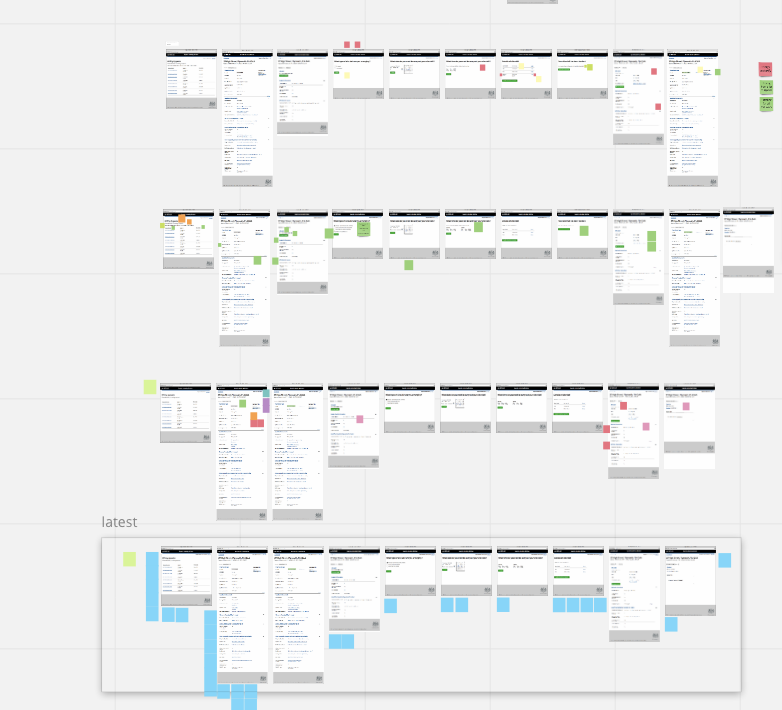
The second stage involved co-design sessions to validate the blueprint and process maps and shape the back-office journeys. After mapping the journeys, I created screens in Balsamiq and added them to a Miro board for iteration with content designers, business analysts and the programme manager.
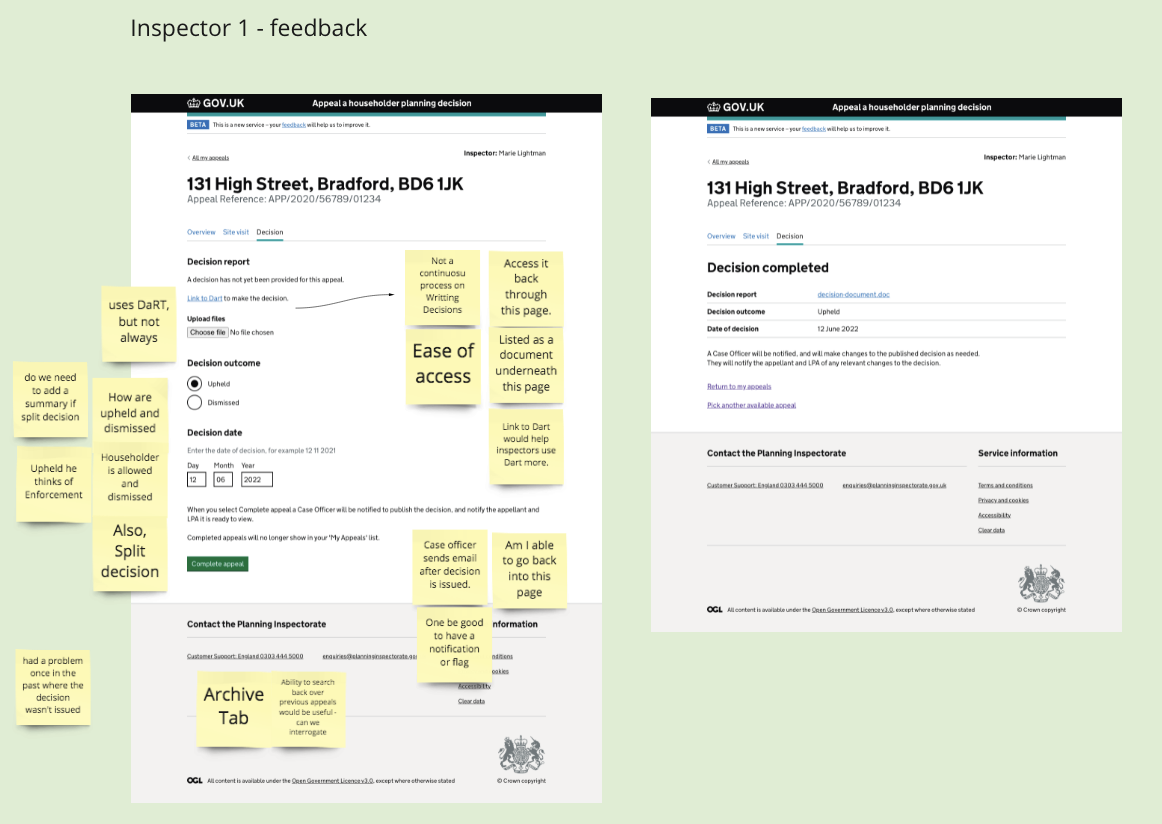
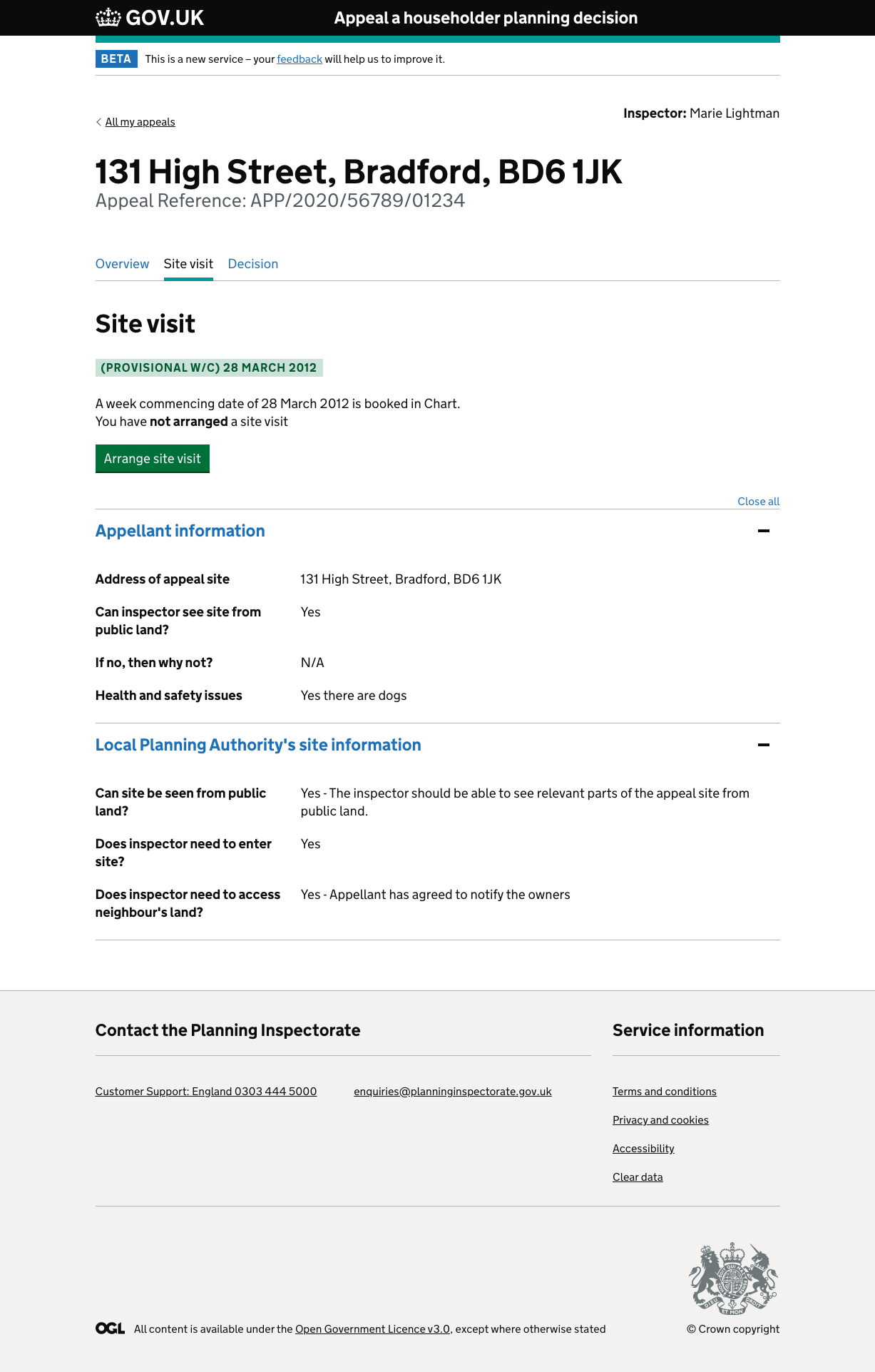
I sought feedback from inspectors through fortnightly show-and-tells. Their questions and suggestions fed into the backlog. I also updated the site-visit journey after user research with beta inspectors and changed the content order and screen layouts following card-sorting research.
I created a series of screens using the GOV.UK Prototype Kit, hosted on Heroku. The prototypes followed approved components, styles and patterns from the GOV.UK Design System.
My role
As the Senior Interaction Designer, I was responsible for designing screen concepts, observing user testing with beta inspectors, building HTML prototypes and presenting ideas to the project board.
GOV.UK Prototype Kit
All prototypes were developed using the GOV.UK Prototype Kit and aligned with the GOV.UK Design System. Interaction patterns, components and accessibility standards were carefully followed to ensure consistency and compliance with GDS requirements.
The result
- Passed the beta assessment, allowing the project to proceed to private beta.
- Launched a pilot with Barnet Council in September 2024.
- Created working prototypes using the GOV.UK Prototype Kit, hosted on Heroku.
- Built a prototype that enabled inspectors to navigate contact details, site visits and appeal evidence more efficiently.
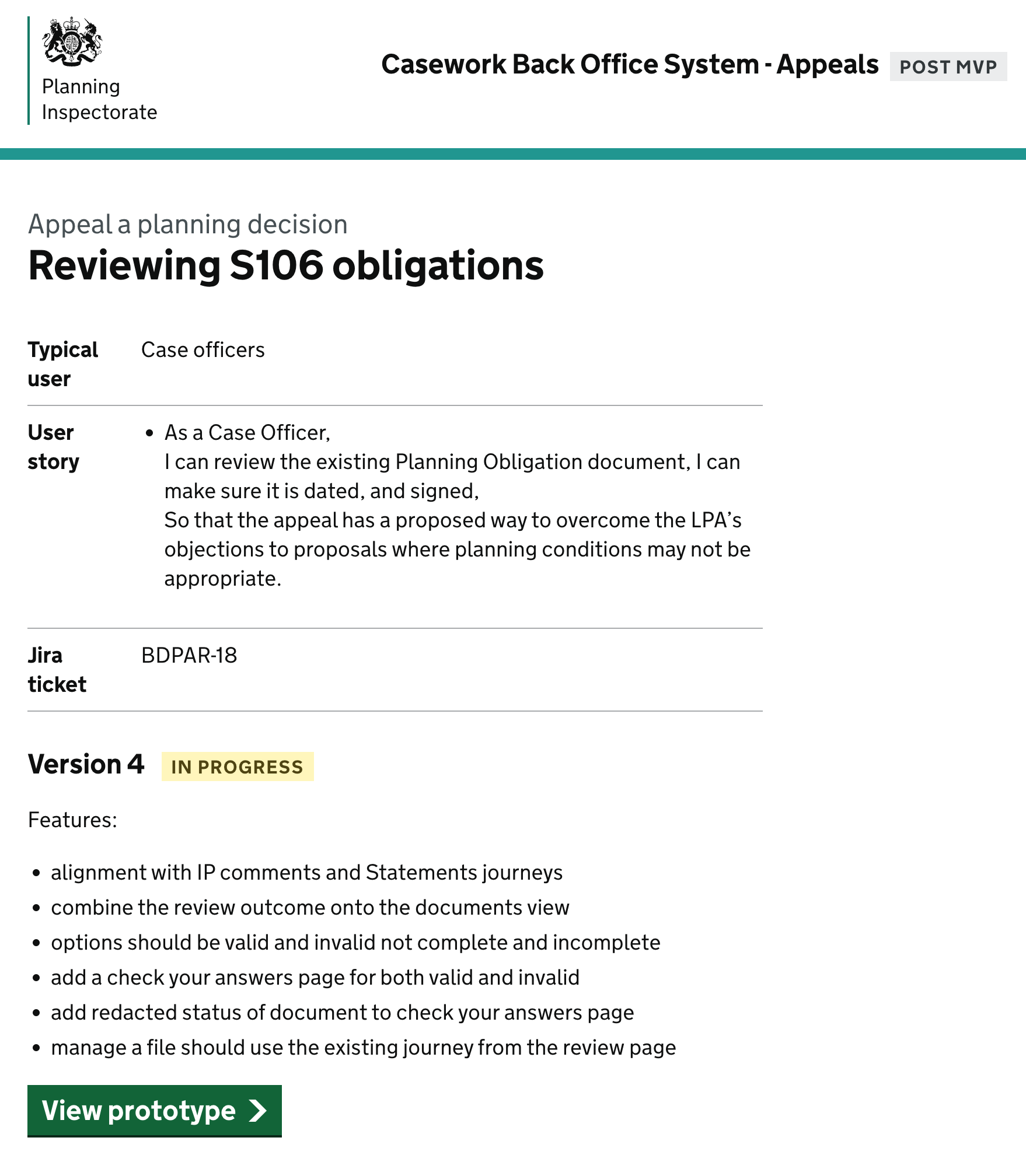
The screenshots below show feedback, screen flows and prototype views for the appeals service.