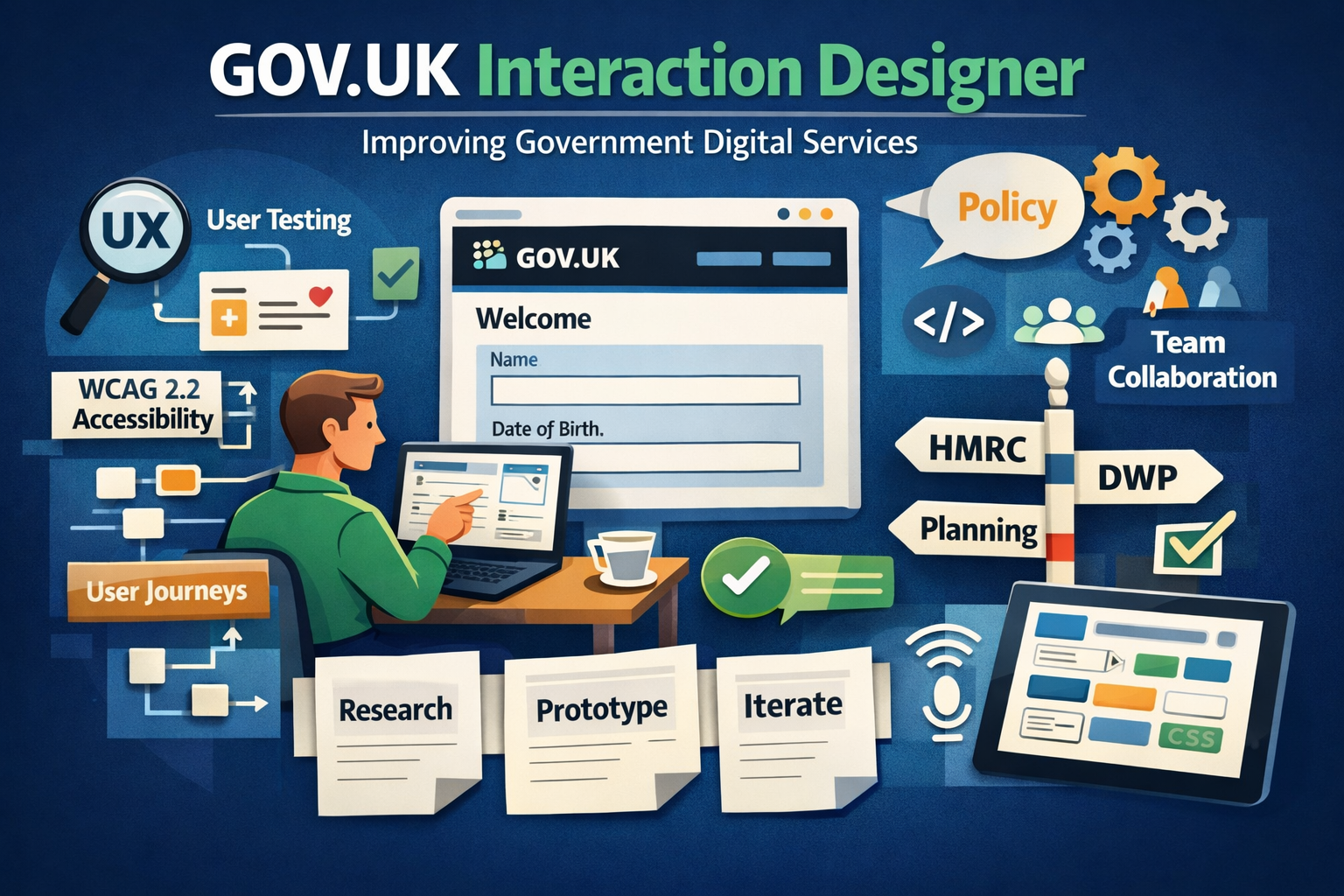
This article shares practical GOV.UK Design System examples from real projects, showing how patterns are applied, extended and tested in live services.
The GOV.UK Design System is one of the most widely adopted design systems in the UK public sector. It provides a consistent, accessible foundation for building government services.
But in real projects, applying the design system isn’t just about using components correctly, it’s about adapting them to complex, real-world scenarios.
Using GOV.UK form patterns in complex services
The GOV.UK Design System provides robust patterns for:
- Text inputs
- Radios and checkboxes
- Error handling
- Form validation
- Large volumes of user data
- Conditional logic
- Multi-step journeys
- Long-running processes
- Users returning at different stages
- Complex branching logic
- Support saving progress
- Handle non-linear journeys
- Provide clear progress indicators
This ensured users always understood where they were and what they needed to do next.
Designing error handling for real users
Error handling is a core part of the GOV.UK Design System. Standard patterns include:
- Error summaries
- Inline validation
- Clear messaging
In practice, real services require more nuance: On the DWP case review tool, error handling needed to support:
- Complex validation rules
- Multiple input dependencies
- High-stakes user actions
The solution:
- Combine inline errors with contextual guidance
- Prioritise the most critical errors
- Reduce cognitive overload
This improved completion rates and reduced user frustration.
Final thoughts
The GOV.UK Design System is powerful because it balances consistency, accessibility and usability. Its real value comes from how it’s applied in practice.
These examples show that effective interaction design is not about rigidly following patterns — it’s about using them intelligently to solve complex problems.
Planning Data serviceHMRC digital platform
DWP case review tool
Planning Inspectorate system
Or view the full interaction design portfolio.